MES-ERP Integration: The Interface Checklist to Settle First
Integrating MES with ERP means sending shop-floor actuals — what was really produced — to the enterprise system under agreed definitions, while pushing production orders and master data down to the floor; settling the interface list, responsibility boundaries, and integration-test scenarios before implementation is the key step that prevents manual re-entry and rework after go-live. The checklist in this article comes from real project interface deliveries and can be used directly in technical negotiations.
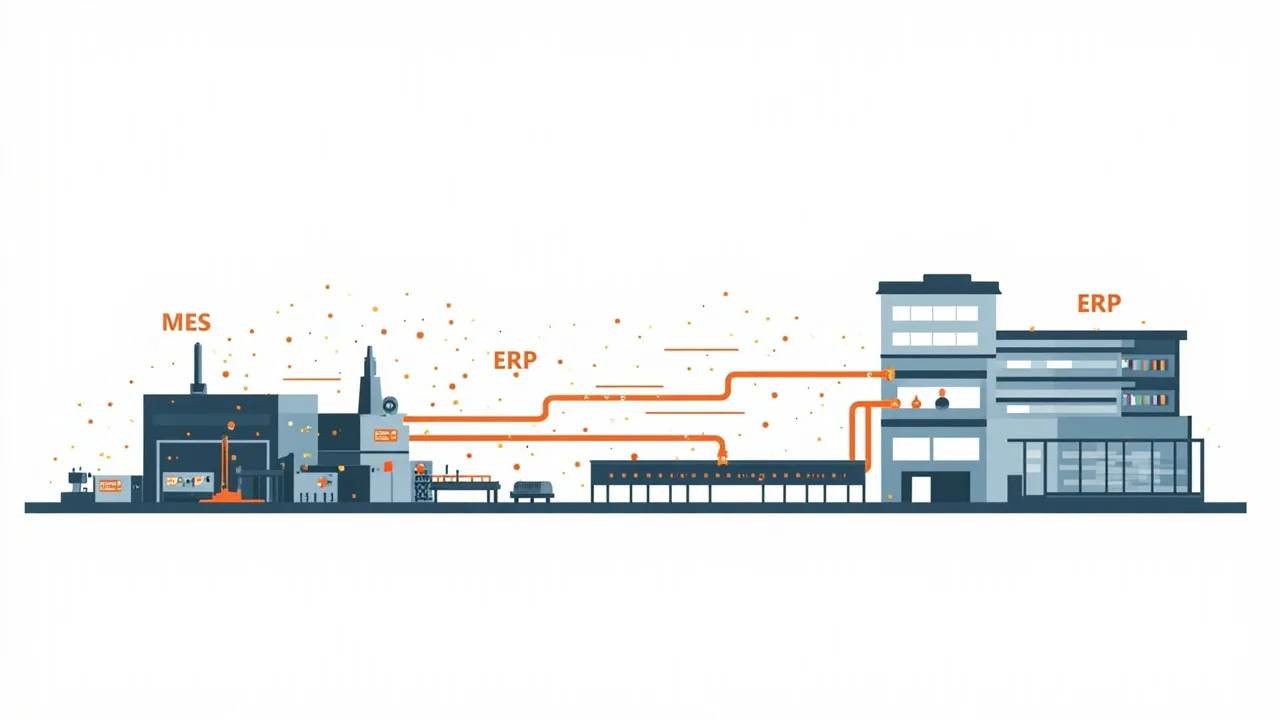
Why 'deploy first, integrate later' gets stuck
Plants often defer the ERP integration discussion until just before go-live, only to discover that the two sides never agreed on what the data should look like: ERP wants actuals aggregated per order, while MES holds second-by-second equipment data; ERP material codes and lot numbers have no counterpart on the floor; reporting definitions, time zones, and units all diverge. These are not technical problems but business-definition problems — left to the end, they can only be closed out with manual re-entry or a rushed second round of development.
The integration itself is nothing mysterious: MES sends execution results — work-order completion, input and output quantities, quality dispositions, equipment status — to ERP at agreed intervals, and ERP pushes production orders, material master data, BOMs, and routings down to MES. Once the direction is clear, the remaining work is defining every document one by one.
Six things to settle before integration: one checklist
| No. | Item to settle | Common sticking points |
|---|---|---|
| 1 | Interface list and directions | Which data flows upward (MES→ERP) and which downward (ERP→MES); one missing document becomes manual re-entry after go-live |
| 2 | Trigger timing and frequency | Real-time push, shift-based aggregation, or daily batch; both systems' load and latency expectations must align |
| 3 | Data definitions and master-data ownership | Who owns material codes, lot numbers, and work-order numbers; how defects and rework appear on both sides |
| 4 | Exception and backfill mechanisms | How data is recovered after an interface failure; which side wins when accounts disagree; who handles the errors |
| 5 | Responsibility boundaries and acceptance criteria | Field mapping tables, integration test cases, and acceptance criteria written into the contract — avoiding a stalemate of 'it runs but the numbers don't match' |
| 6 | Security and network zoning | How OT and IT networks are segregated, which side hosts the interface services, how certificates and accounts are managed |
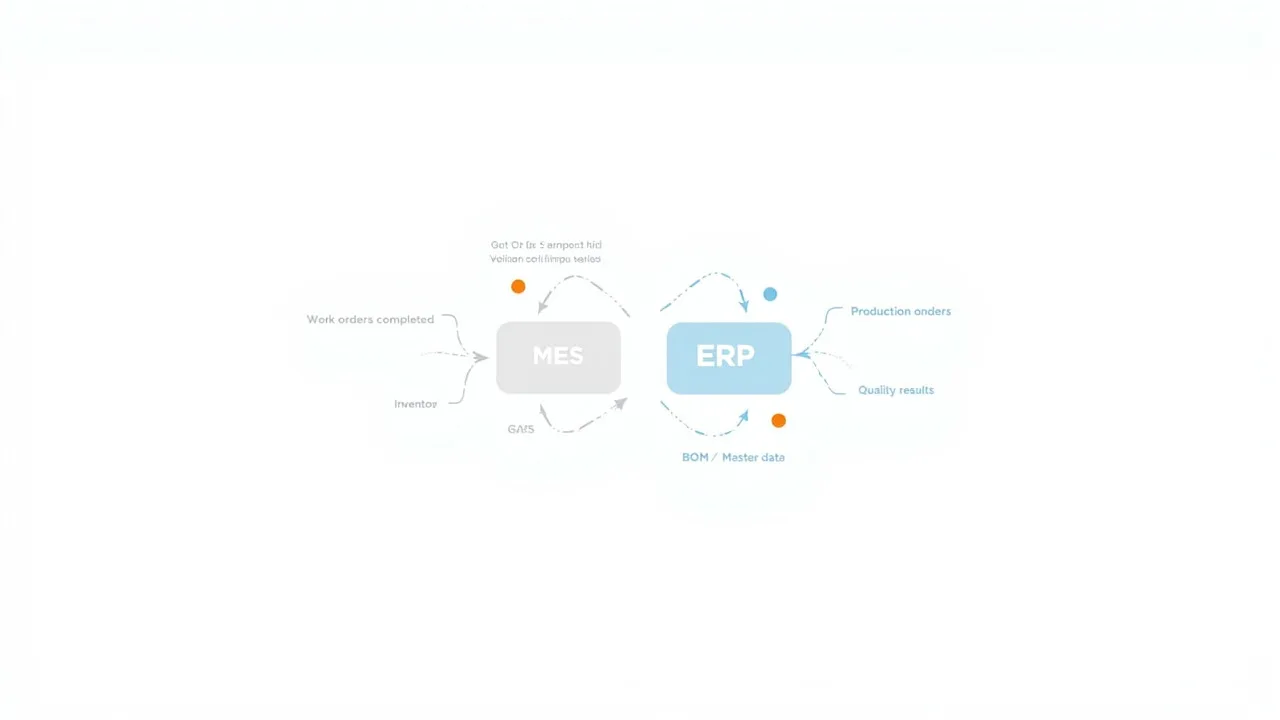
We recommend confirming every line of this checklist during contract and technical negotiations:
Documenting these six items costs far less than endless mid-project meetings, and it becomes the reference for later maintenance and audits.
Who builds the interface — and who maintains it after go-live
Three common delivery models, with very different responsibilities:
- MES vendor full responsibility: the MES side develops the interfaces; the ERP side only provides accounts and documentation. Clear accountability, suitable when the ERP side expects few changes
- Joint delivery: the ERP-side staging tables or APIs are provided by corporate IT or the ERP implementer, while the MES side handles reading, writing, and retries; suitable when the ERP is group-controlled and direct database access is not allowed
- Platform-mediated integration: both sides connect through an enterprise service bus or middleware platform; suitable for large groups with many systems and many sites
Maintenance responsibility belongs in the contract too: an interface is a continuously running component, and an ERP upgrade, a coding-rule change, or a network change can break it. The annual maintenance agreement should include interface inspections and incident response clauses. In an equipment-networked MES project for a tire group, integration with the corporate system was part of the delivery scope, and the interfaces were replicated to multiple sites following the group's unified template — this 'define once, replicate across sites' approach keeps the integration cost of subsequent sites down.
Outages, errors, and definition drift: three scenarios integration testing often misses
- Outage backfill: while the network is down, actuals must be cached locally and retransmitted in order after recovery — nothing lost, nothing duplicated. Acceptance should simulate an outage and recovery, then reconcile both sides' accounts
- Error handling: overlong fields, unknown codes, and mismatched quantities are everyday events; define in advance which are auto-corrected, which go to a manual queue, and which are returned — and keep an audit trail of every disposition
- Definition drift: after go-live, an ERP coding-rule change or a new station added in MES makes the two sides' reports diverge; agree on a notification workflow for master-data changes and regression tests for the interfaces
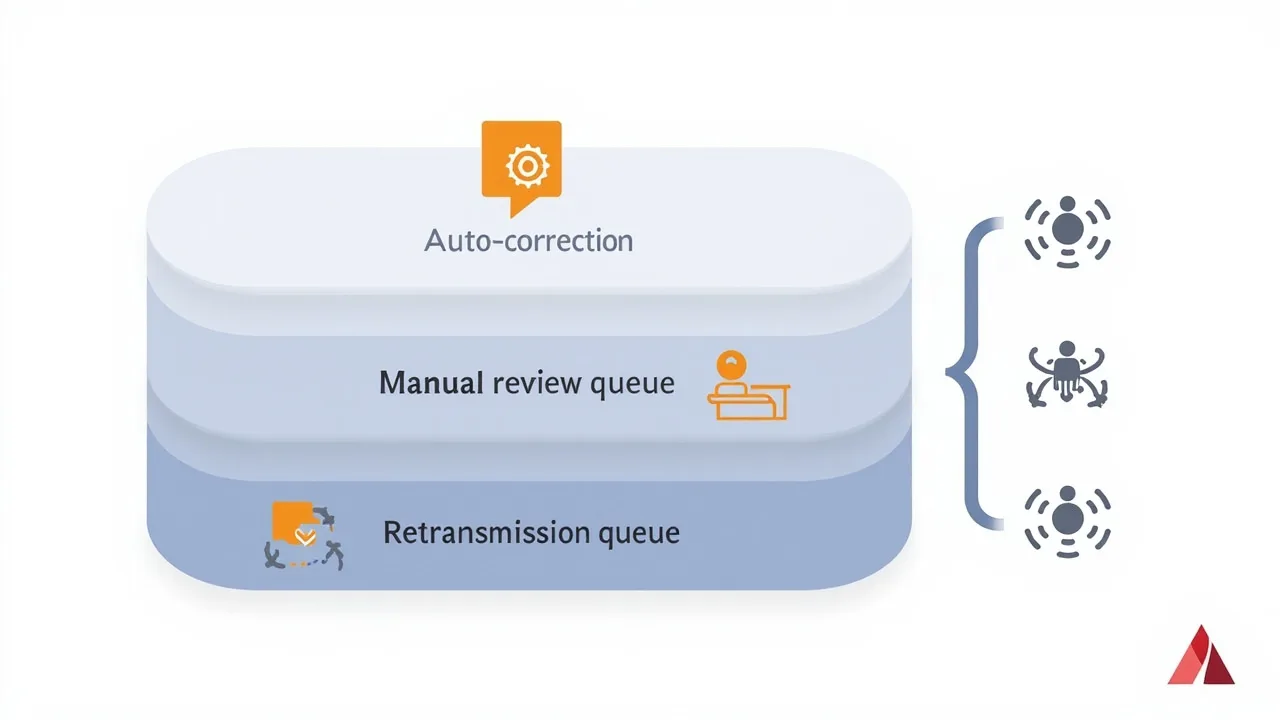
Getting the functions to run is only the starting point; integration testing should deliberately reserve time for failure paths:
These three scenarios usually get one sentence in the requirements document, yet they are the main source of post-go-live tickets. A few extra days of integration testing saves months of finger-pointing in operations.
What ORPAON delivers in MES-ERP integration
- A standardized data interface specification is delivered with the project: field mappings, trigger timing, and exception handling in writing — acceptance has criteria, maintenance has a reference
- Outage backfill and reconciliation: floor data lands locally before upload and is retransmitted in order after an interface outage; actuals can be reconciled against ERP accounts
- Multi-site replication experience: defined once on the group's unified interface template, then replicated across sites — a fit for group-managed manufacturers
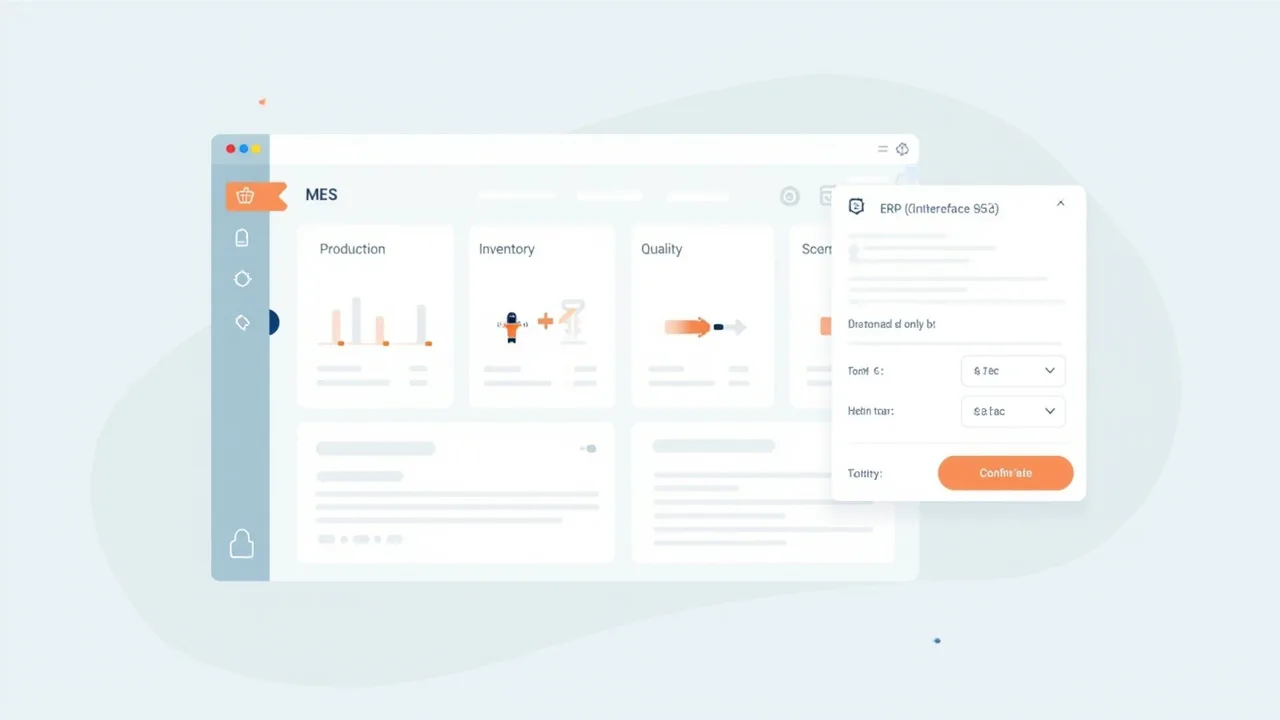
Shanghai ORPAON Intelligent Technology has worked in manufacturing digitalization since 2009, with 600+ project and solution engagements. Shop-floor MES is a delivered capability, integration with ERP, PLM, WMS, automated warehousing, and barcode systems is within the delivery scope, and interfaces have been delivered to mainstream ERP systems including Oracle and SAP.
From equipment networking and MES to enterprise-system integration, we deliver as one project or as interface-only customization; a fit for plants planning an MES, or running an MES whose ERP link never materialized.
In summary
The quality of an MES-ERP integration is decided by how much is settled before implementation: the interface list and directions, trigger timing, data definitions, outage backfill, responsibility boundaries, and security zoning — write all six into the contract and you will have accounts that reconcile after go-live. A working demo is only the start; outages, errors, and definition drift are the daily reality of long-term operation, and integration testing should reserve time specifically for them.
If your plant is planning an MES, or already runs one whose ERP link never materialized, start from the interface capability list of the existing systems: put the answers to the six items into a document first, then decide the project scope and the pace of rollout.
Book an MES integration consultation
Tell us your current ERP brand and version, coding rules, network zoning, and how your IT team will be involved. We will propose an interface list and a phased integration path based on your site conditions, with an English-speaking contact as your point of contact.
Contact Us