Legacy SCADA Upgrade Roadmap
Upgrading a legacy SCADA system is not a teardown but a controllable route: read the four replacement signals — discontinued spares, an outdated runtime environment, departing experts, changes that have become risky — then move through assessment, inventory, parallel running, phased cutover and acceptance. With the checklist and criteria of every step written down in advance, the upgrade can be completed with little or no production stoppage.
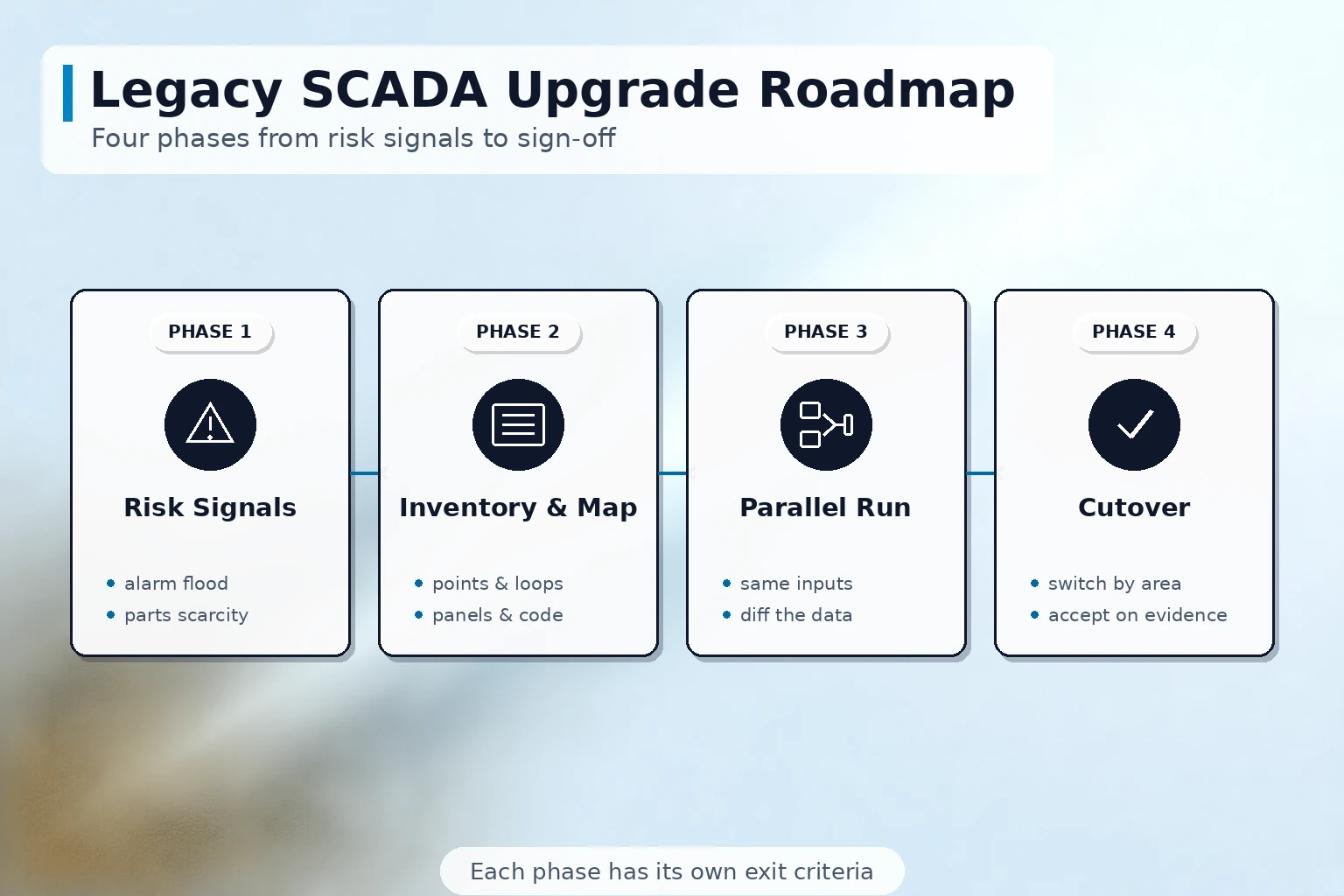
Where the Old System Stands: Read the Replacement Signals First
Many plants go back and forth on "whether to upgrade", yet the signs that an aging SCADA system will start hurting production are quite specific. When any of the following four appears, the upgrade deserves a slot on the schedule:
- Spares and licenses drying up: boards, network cards and dongles are discontinued, and the operating system or SCADA software license cannot be renewed;
- An outdated runtime environment: the host still runs on an operating system long past end of support, such as Windows XP (unsupported since April 2014) or Windows 7 (unsupported since January 2020), with no source of patches or security updates left;
- Losing the people who know it: the engineer who knows the parameters, scripts and historical logic retires or moves on, and nobody on the new team can take over;
- Changes have become risky: adding a tag or editing a screen means touching old code that nobody dares to modify, and the cost of a small change rivals that of a new system.
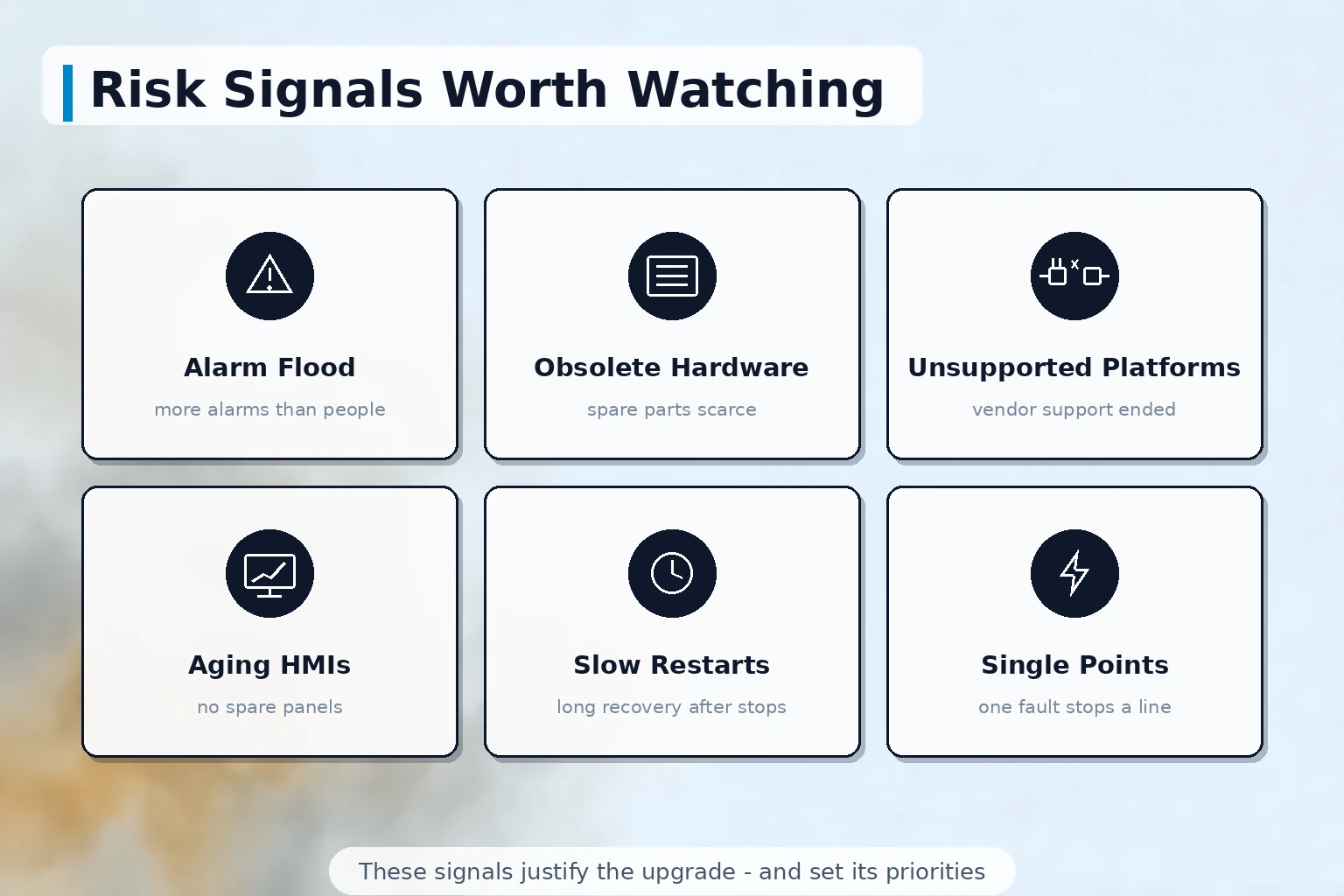
The Upgrade Roadmap: How the Five Steps Go
Once the decision is made, set the route before touching anything. A reliable sequence looks like this:
- Assessment and project kickoff: count the tags, interface types, screens and years in service, and state clearly what the upgrade must solve — discontinuing spares, sluggish performance, or connecting to MES and a data platform; different goals lead to different routes;
- Asset inventory: export the assets of the old system item by item into lists that become the requirement input for the new one — the one step in this roadmap that must not be skipped;
- Parallel running: connect the new system and the old one to the same signals for a period, and compare data, screens and alarm behavior item by item;
- Phased cutover: switch to the new system workshop by workshop or line by line — auxiliary sections with low impact first, the main line last, with an observation window after each batch;
- Acceptance and handover: after the continuous-run criteria are met, hold formal acceptance and complete operator training along with the transfer of documents and source files.
Taking Stock: Five Lists
The quality of the inventory before the parallel run decides how much risk shows up on cutover day. Work the five lists through as tables:
| List | What to capture | Common gaps |
|---|---|---|
| Tag list | tag names, ranges, units, alarm limits, recording periods | ranges and limits adjusted in the old system were never documented; copying them as-found migrates the defects too |
| Signal and interface list | protocols, driver versions, serial or Ethernet parameters, register addresses in the PLC programs | the old driver speaks a proprietary protocol the new platform does not support, so a gateway or a driver change is needed |
| Screen list | the purpose of each screen, its call relationships, the tags shown on it | screens accumulated over the years were never cleaned up; decide keep or drop one by one before migration |
| Documents and source files | project files, scripts, database structure, how historical data is backed up | project versions are mixed and the final version matching the site cannot be found |
| Operating practice list | shift procedures, alarm response rules, report templates, handoffs to downstream systems | habits that lived in the veterans' heads were never written down, so nothing exists to execute after the switch |
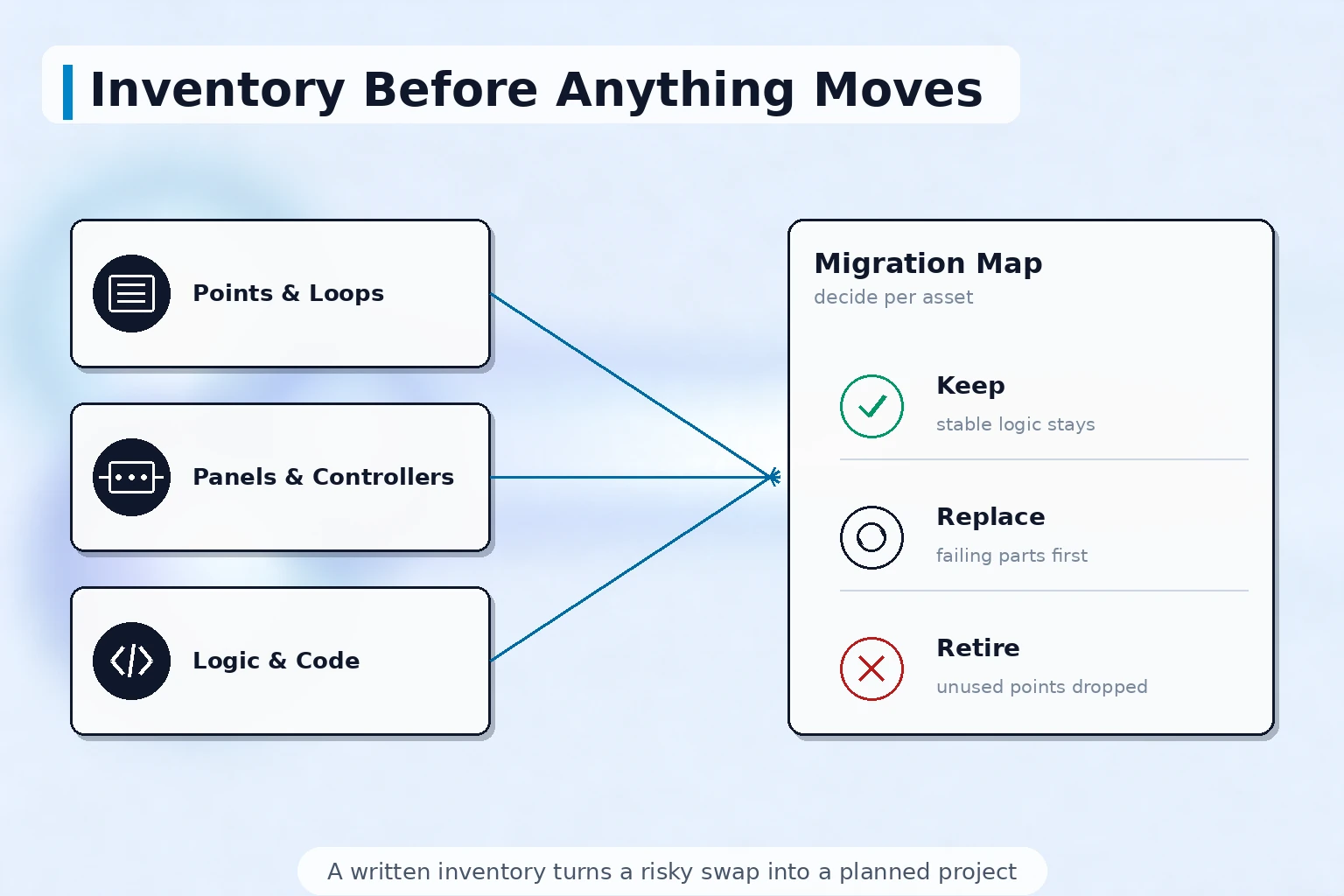
What to Verify During the Parallel Run
Running in parallel is not "leave it on and watch" — it is comparison against a checklist. Four things to verify in this window:
- Data consistency: whether the same point shows the same values, history curves and recording periods in both systems, with range scaling and bad-point handling checked in particular;
- Screens and operations aligned: operators perform start/stop and setpoint changes on the new system following their existing habits, confirming that button placement and confirmation logic leave no ambiguity;
- Alarm behavior compared: under the same disturbance, both systems raise, grade and record alarms identically, so cutover day brings neither missed alarms nor an alarm storm;
- Boundary and fault scenarios: communication loss, power failure and restart recovery are drilled item by item, confirming the new system recovers as well as the old one or better.
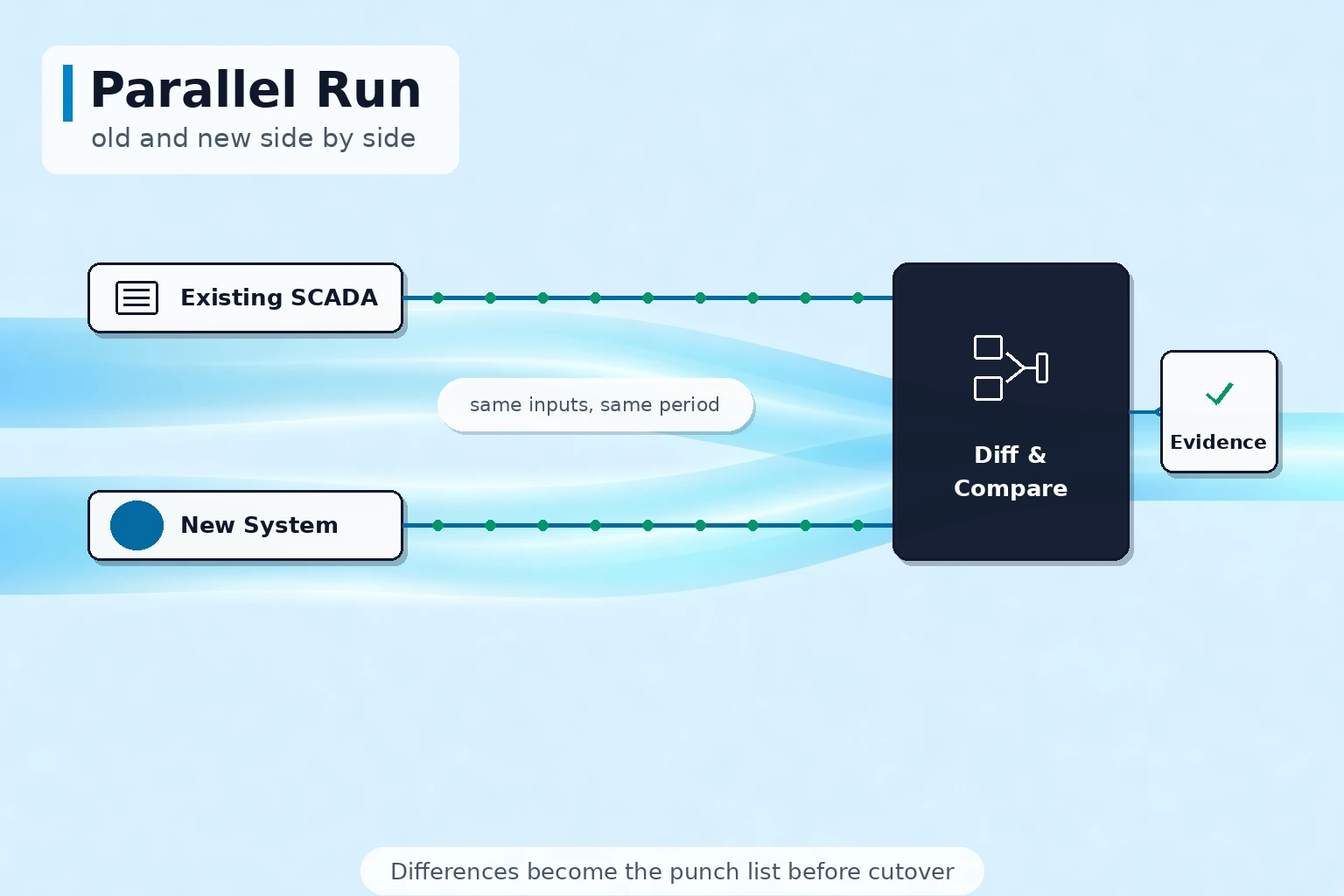
Closing Out: Cutover and Acceptance
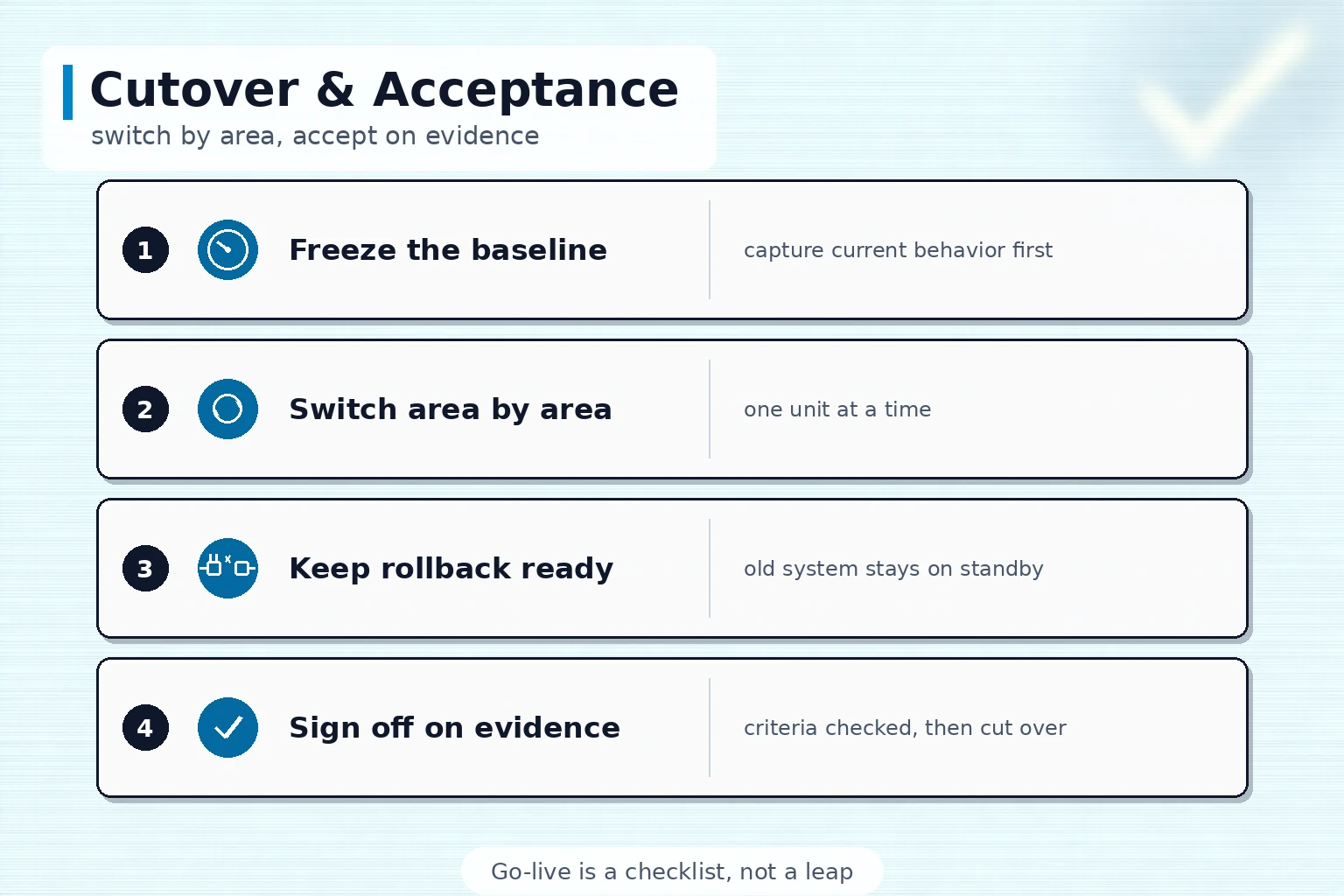
Order on cutover day comes from a procedure written in advance. Four things to make solid at closing:
- Write the cutover procedure and the rollback plan: which day, which sections, confirmed by whom — and the conditions and steps for falling back to the old system just as explicitly, so nothing is decided ad hoc on the floor;
- Formal acceptance only after the continuous-run criteria are met: agree in advance on the duration and criteria (for example, a full production cycle with no stoppage caused by the new system); before that, the job is not done;
- Historical data moved and still queryable: the history stored in the old system at agreed periods must land somewhere, and curves must remain retrievable the way they always were — the bottom line of production traceability;
- Documents, training and source files handed over together: when the acceptance sheet is signed, the manuals, screen descriptions, tag lists, project source files and training records go with it — no "system alive, knowledge gone".
Four Risks That Show Up Again and Again
Even with the right method, a few pits recur:
| Risk | Typical symptom | How to avoid it |
|---|---|---|
| Big-bang cutover | the whole plant changes systems within one shutdown window and problems erupt together | switch in batches by section with an observation window after each; fix issues within the day |
| Hidden logic lost | interlock compensation and seasonal limits in old scripts stop working after migration | comb through scripts and interlocks during inventory, then verify them one by one after migration |
| Interfaces harder than expected | old instruments speak a proprietary protocol the new platform does not support, pushing out the schedule | run interface trials during assessment; decide gateway or replacement for proprietary protocols early |
| Software replaced, process unchanged | operators keep their old habits and the new features sit idle | update training and operating procedures together with the system, and station engineers on site for a period after cutover |
Information to Prepare Before the Project
Bring these to the solution provider and the roadmap can drop straight onto a schedule: the old SCADA software name and version, the host operating system, the scale of tags and screens, how the PLCs and instruments are connected, the volume and recording periods of historical data, the shutdown window the plant can accept, and the problem the upgrade must solve first. Shanghai Chengxuan Intelligent has delivered industrial software and device connectivity projects since 2009 and develops and upgrades SCADA and host systems; on the strength of the lists above we can assess your current state and propose a phased upgrade route with a parallel-run plan. Communication is available in English or Chinese.
A Historical Note: Why Platforms Age
The platforms we call "legacy" today were mainstream choices when they were built: Modbus, published in 1979, is still widely used over serial and Ethernet links, and OPC UA, released in 2008 and later standardized as IEC 62541, became the mainstream standard for cross-platform data interchange. A platform does not age because it was the wrong choice back then, but because the environment has changed generations over thirty years — operating systems, security requirements and the uses of data have all moved on. Seen this way, an upgrade is not a repudiation of the past; it is moving an asset into an environment where it can be maintained.
Summary
The hard part of a legacy SCADA upgrade is not replacing the software; it is taking full stock of what exists and moving the risks forward: kick off when the replacement signals appear, inventory the assets in five lists, compare item by item during the parallel run, switch in batches with a rollback path kept open, and hand over documents and source files together with acceptance. Followed as a route, the upgrade turns from a job nobody dares to touch into an engineering plan that fits on a schedule. If an old system is holding your plant back, start with the five lists above and then sit down with a provider to line up the route.
Discuss Your Upgrade Plan
Tell us the software version, tag scale and acceptable cutover window of your legacy SCADA, and our engineers will propose a phased upgrade route with a parallel-run plan based on your site conditions. Contact available in English.
Contact Us